

How identifiers map to identities
Five keys on each identification name the identities behind it:user_hid is the user, device_id the device, visitor_id the visitor, and public_ip and local_ip the two IP addresses. Each identity carries the worst band of its identifications and is linked to the others it shared an identification with, and the four High-Risk Events are detected on users. Users, devices, visitors and IPs covers that model; this page covers how each identifier is built and how long it lasts.
In the analytics dashboard, the identification card shows these identifiers under Details and the band of the user, device, visitor and IP behind the identification.
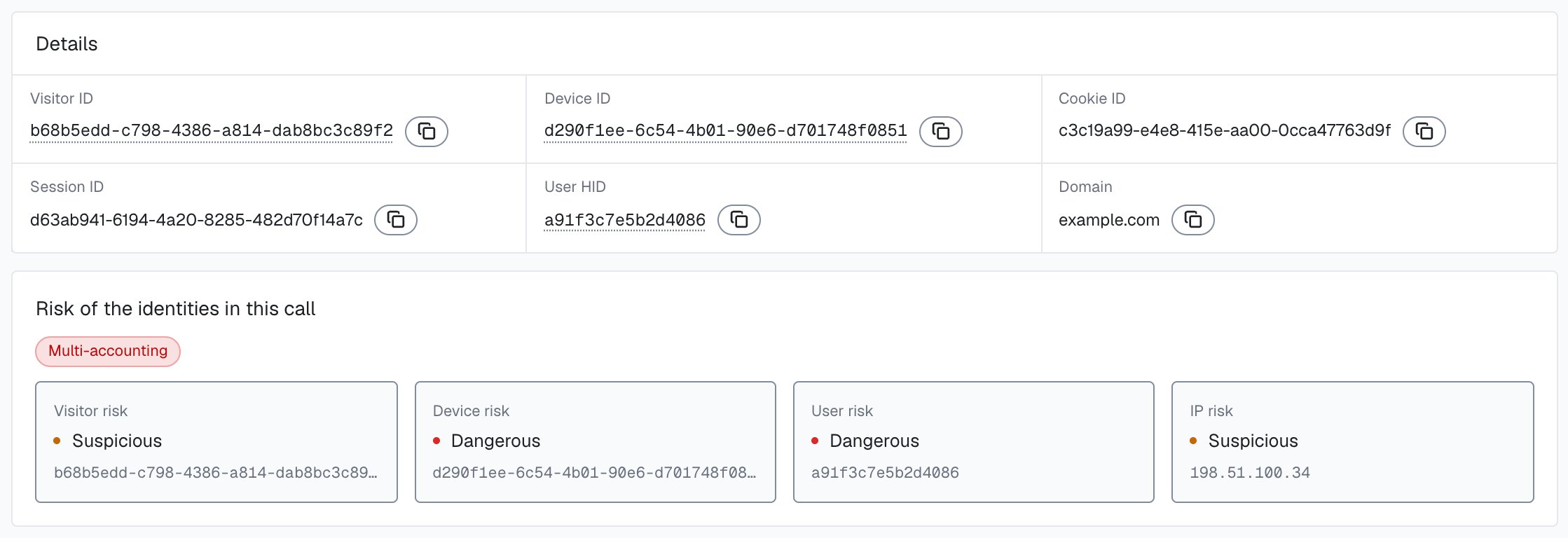
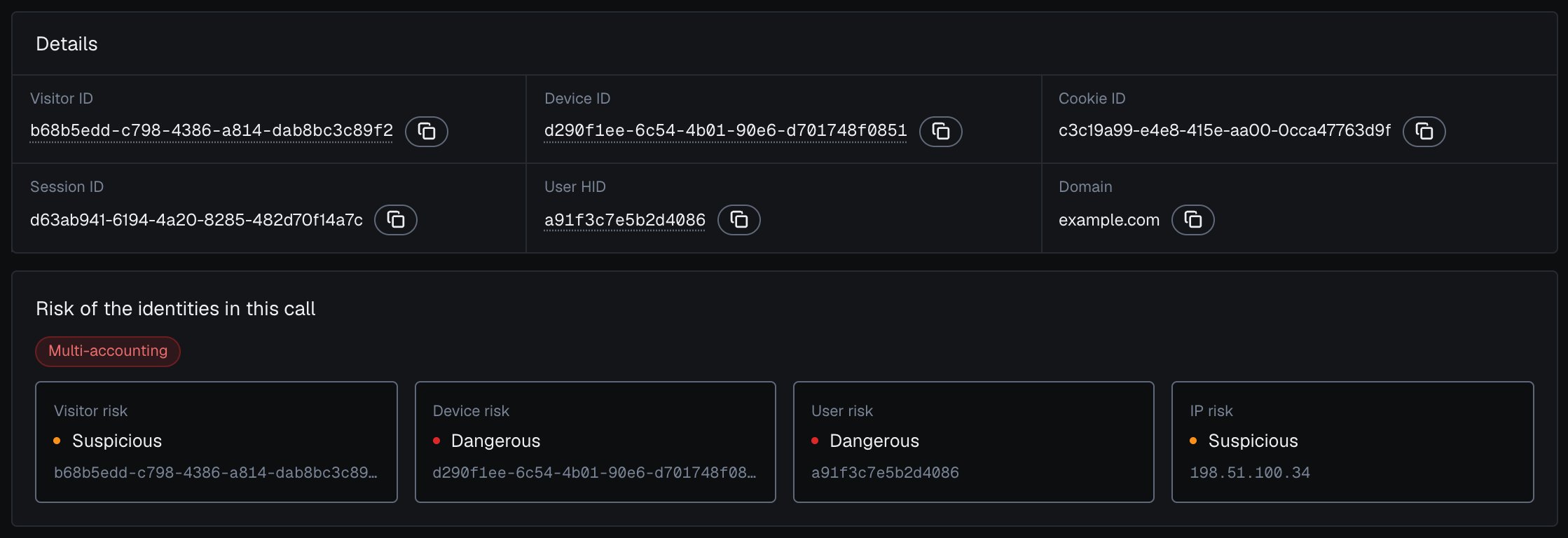
One identification and the risk of the user, device, visitor and IP it belongs to, in the analytics dashboard.
The User HID is your account key
Pass a hashed User HID withcheckAuthenticatedUser on every signed-in page. Users, account-level risk and all four High-Risk Events are built on it. It is the only identifier you set yourself, and it lets ShieldLabs tie anonymous activity to a known account.
Pass a hashed or pseudonymous value, and apply the same transform every time so the same account always maps to the same User HID.
checkAnonymous(). The webhook then carries "user_hid": "anonymous", and the identification still links to its device, visitor and IP addresses. The snippet setup documents the full method list.
The identifier model
Each identification carries these identifiers on the webhook. The table starts with the account and ends with the single call.
The request ID, Session ID and Cookie ID are generated in the browser. The Device ID and Visitor ID are computed on the server, so the browser never sees them. Match one identification by
request_id, and group identifications by user_hid, device_id, visitor_id or the public IP.
Identifier hierarchy
The identifiers nest from a known account down to a single call:- User HID is the signed-in account you pass in.
- Device ID is the durable, browser-bound device.
- Visitor ID is one device plus one cookie.
- Cookie ID is the browser’s first-party storage.
- Session ID is one browsing session.
- Request ID is one identification.
Why the Device ID is durable
The Device ID is the identifier most analytics tools cannot match. It is computed on the server from the device itself, not from anything the browser stores, so it holds when cookie-based tracking breaks:- Holds through cleared cookies. Clearing cookies removes the Cookie ID and leaves the Device ID in place.
- Holds in incognito mode. A private window still maps to the same Device ID.
- Holds through IP changes. Switching networks or connecting through a VPN leaves the Device ID in place.
An all-zero Device ID (
00000000-0000-0000-0000-000000000000) means no usable device signals reached ShieldLabs for that identification; the rate-limit marker (Risk Score 999) is one such case. Route it to review rather than allowing it.Why the Visitor ID resets
The Visitor ID is built from two inputs: the Device ID and the Cookie ID. The Device ID half is durable. The Cookie ID half is not. So when a person clears cookies:- The Cookie ID is gone, and the browser generates a new one on the next identification.
- The server combines the same Device ID with the new Cookie ID.
- The result is a new Visitor ID.
Device Intelligence is part of identification
Each identification returns the identifiers together with the device, the network and the risk signals around them, in one webhook.
You never call a separate “fingerprint” endpoint and a separate “risk” endpoint. One snippet collects 300+ device and network signals, the server scores them, and the result arrives by webhook (or you read it from the History API).
Example response
Thedata object of an identification.scored webhook, shortened. It carries the identifiers of the user, device, visitor and IP addresses alongside the Risk Score and the risk signals that explain it.
signals[].name values are slugs (proxy, datacenter_ip, abuser). Branch on those or on detection_flags, and never assume one entry per slug: a slug can repeat with a partial weight. Labels in the analytics dashboard and the History API can change. Read the band of the Risk Score, the flags, the user’s history and the action at stake together. See Acting on results.
device_id and visitor_id are computed on the server. user_hid is your hashed account id, echoed back. The API models reference documents every field and its types.
Next steps
Users, devices, visitors and IPs
The five identities, how they link and how each one carries its own risk.
High-Risk Events
Multi-accounting, account sharing, impossible travel and account takeover, detected on your users at Medium or High confidence.
Risk Scoring
The 0 to 100 Risk Score of each identification and the band of every user, device, visitor and IP.
Risk Signals
Masking, anti-detect browsers, bots and automation, and mismatch signals, each with its weight.